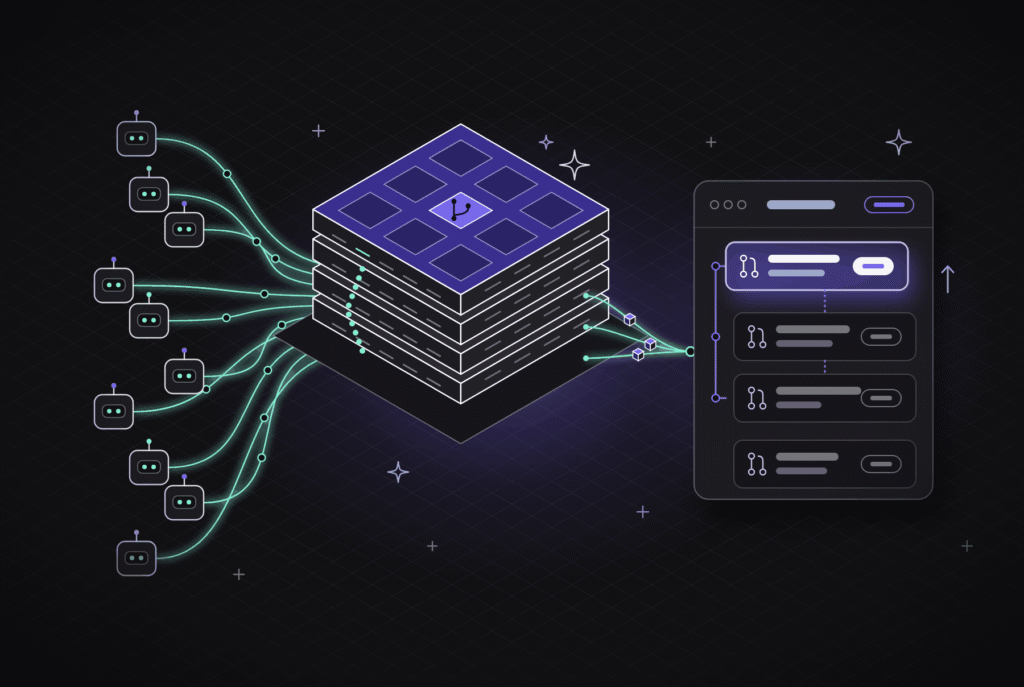
10 Ways Qodo’s Software Map Changes How Your Team Reviews, Plans, and Ships

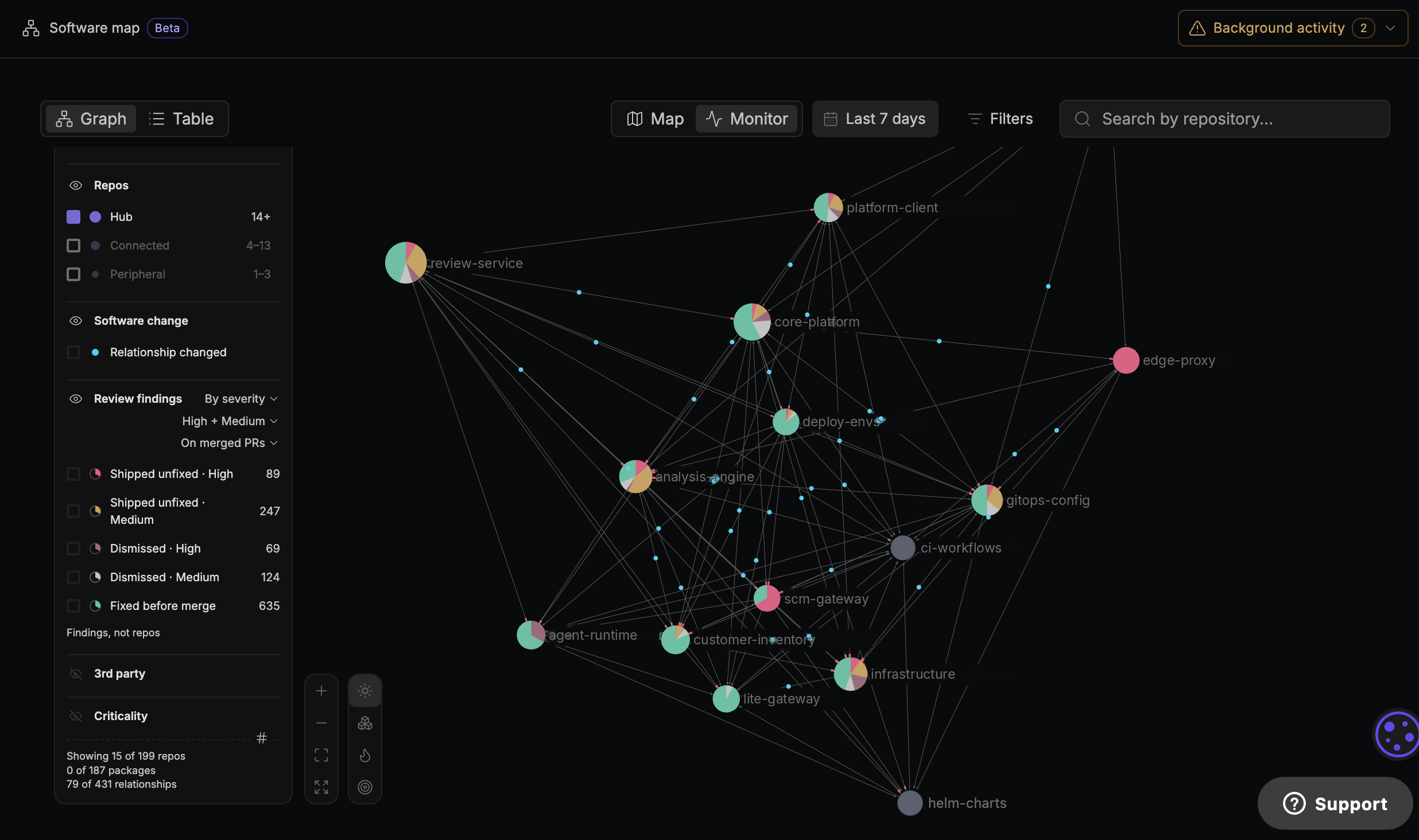
In September we launched the Software Map, a live view of how your codebase fits together across repositories. It shows which services depend on each other, how far a change reaches, and where code review findings cluster. Since launch, the question we hear most from teams is a practical one: where does the map fit into the work they do every week?
The answer depends on who is using it. Reviewers reach for it during a PR, platform architects use it to plan larger changes, and engineering leaders use it to decide where to invest. Below are ten ways teams use the Software Map, grouped by role, so you can start with the ones that match how your team builds software.
Every one of these use cases depends on a map your team can trust to be current. Qodo keeps it that way by discovering your repos automatically and refreshing the map with every PR, so there is nothing to set up or maintain. The map covers relationships at the repo and service level across four kinds of dependencies: code, service, data, and pipeline.
For developers and reviewers
1. Check blast radius before you merge
Before a change ships, the Software Map shows which services, repos, and downstream consumers it reaches. A small edit to a shared library can touch far more of the system than the diff suggests. Seeing that before merge gives the author and reviewer time to bring in the owners of affected services while the change is still easy to adjust.
2. Catch cross-repo breaking changes in code review
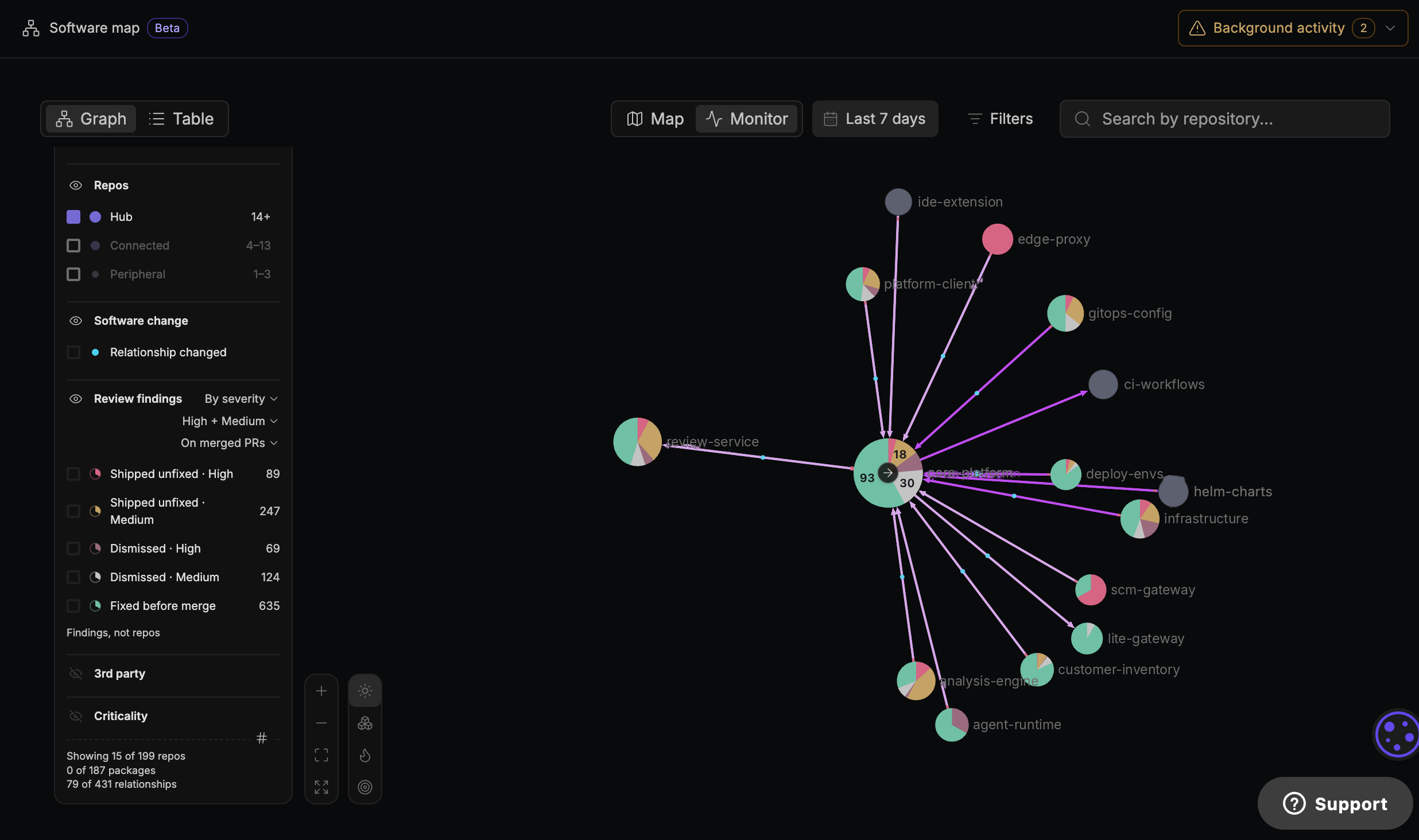
The Software Map gives Qodo’s Cross Repo Agent the relationships it needs during review. Say a developer on the payments team renames the amount_cents field to amount in the order.created event their service publishes. The change looks clean inside the payments repo, and its tests pass. The billing service in another repo still reads amount_cents from that event, so it would start failing as soon as the change deploys. Because the map already knows billing consumes that event, Qodo flags the break in the payments PR, names billing as the affected consumer, and links to the line that reads the old field. The same check applies to function signatures, API responses, and pipeline steps, so the developer sees downstream impact in the place they are already working.
3. Get oriented in an unfamiliar system
New hires and engineers switching teams often get up to speed by reading code repo by repo and relying on the few people who know how the pieces connect. The Software Map gives them a faster starting point. They can see how services relate, which components sit at the center, and where their own team’s repos fit, so their first changes come with a clear sense of what else is involved.
4. Retire the stale architecture diagram
Most architecture diagrams describe the system as it looked the last time someone had an afternoon to update them. Because Qodo discovers repos on its own and refreshes the map with every PR, the Software Map stays current without anyone maintaining it. Teams can point to it in design reviews and onboarding docs knowing it reflects the code as it exists today.
5. Give hub changes extra scrutiny
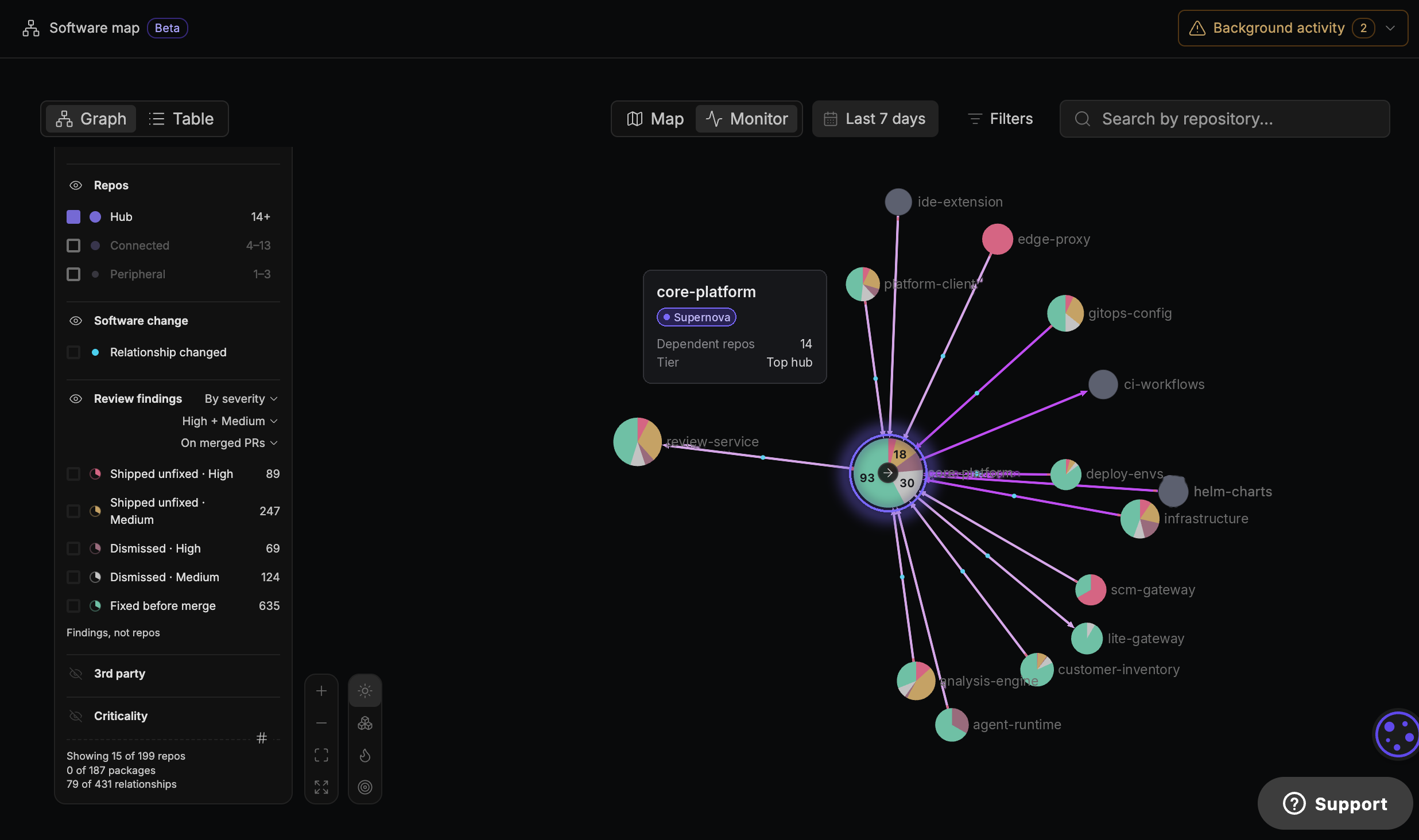
Some components have many services depending on them. The Software Map surfaces these as hubs, and its highest tier, the supernovas, marks the components where a change ripples furthest. Reviewers can use that signal to decide where to slow down and bring in a second reviewer, and where a lighter pass is reasonable.
6. Find undocumented contracts before a refactor or deprecation
Plenty of dependencies never make it into documentation. A field in an event payload gets picked up by a service nobody remembers adding, or an internal endpoint gathers callers over a few years. Before you rename a field, change a schema, or retire an endpoint, use the Software Map to identify dependent repositories and focus the investigation into which consumers need to change.
For architects and platform teams
7. Scope and sequence a migration
Migrations stall when the dependency picture turns out to be larger than the plan assumed. Architects can use the Software Map to size the work up front by seeing what depends on each component. From there, the migration can start with low-dependency components and leave hubs for last, once the approach has been proven on simpler parts of the system.
8. Spot risky coupling early
Coupling tends to build gradually. A utility service picks up one more consumer each quarter until most teams depend on it. Checking the Software Map for components that have grown into hubs gives platform teams an early prompt to revisit service boundaries while the fix is still a design conversation, before that component starts slowing down releases.
For engineering leaders
9. Use the heat map to decide where to invest
The Software Map overlays Qodo’s code review findings on the system, so leaders can see where findings cluster. A cluster is a signal worth investigating. A service that changes often will collect more findings because it gets reviewed more, so clusters are most useful when read alongside severity and review activity. The strongest signal is a pattern of recurring high-severity findings in a service many other teams depend on. That combination points to risk that reaches well beyond one team, and it gives leaders concrete evidence when they make the case for refactoring time, staffing, or ownership changes.
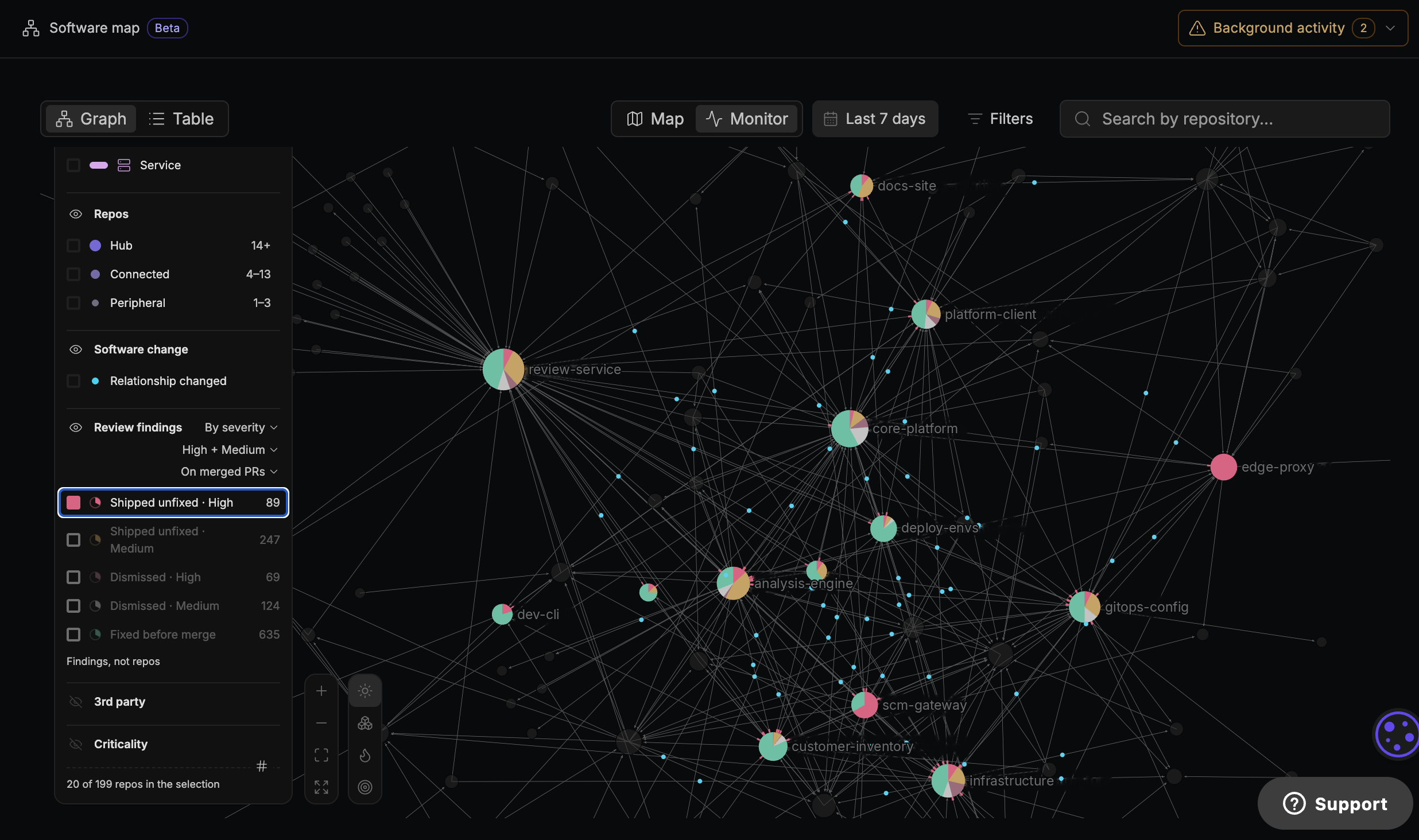
10. Govern AI-generated code at scale
Coding agents now ship changes across many repos at once, and each PR can look safe when it is read alone. Qodo’s review agents use the Software Map as their system context, which lets Qodo keep up with that volume and flag the cross-repo effects a single-PR view would miss. For engineering leaders, the map is part of how team standards continue to apply as agents write more of the code.
Get started with the Software Map
The Software Map is available in Qodo today. Admins see the full map across connected repos, and other users see the repos their team has access to. For the story behind the feature, read our launch post on the Software Map.
See the Software Map on your own codebase. Book a demo.