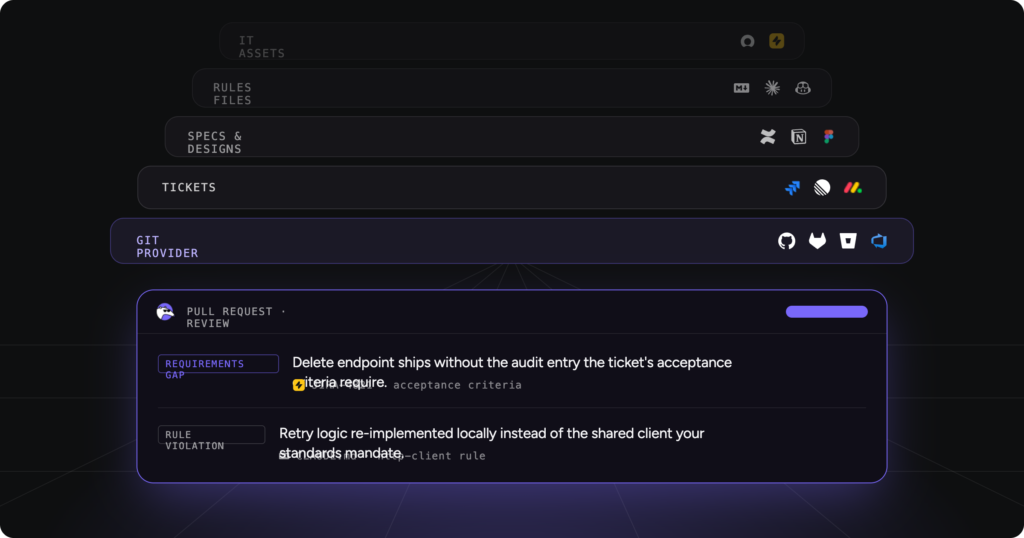
14 AI Coding Assistant Tools, Tested Across Real Engineering Workflows 2026

AI coding assistants have surged in adoption over the past two years, becoming a standard part of daily workflows for development teams. The 2025 Stack Overflow Developer Survey found that 84% of respondents already use or plan to use AI tools in their development process, up from 76% the year before, with 51% of professional developers now using AI tools daily. More recently, 2026 Engineering Benchmarks Report, which analyzed 8.1 million pull requests across 4,800 teams, put regular AI usage at 88.3%, up from just under 72% in early 2024. AI-assisted development isn’t an experiment anymore. It’s the baseline.
But the growing list of tools makes it hard to tell which ones actually improve productivity and which just add noise to the workflow. So we tested the leading options ourselves, across real repositories and real pull requests, to see which assistants genuinely reduce friction and which ones just look good in a demo.
Here, you’ll see how these tools actually behave, not just what their landing pages claim, and where each one fits (or doesn’t) in a real delivery pipeline. If you’re specifically deciding what validates a pull request before merge rather than what writes the code, our deeper guide on AI code review covers that layer on its own.
TL;DR
- In 2026, there isn’t one “best” AI coding assistant. Different tools are built for different parts of the development lifecycle, and most teams end up combining several without a clear framework for which does what.
- Editor assistants like GitHub Copilot, JetBrains AI, Tabnine, Antigravity, and Amazon Q help generate functions, tests, and configs while you write code.
- Repository-level agents like Cursor, Claude Code, Aider, and Devin handle multi-file refactors, debugging loops, and scoped task execution across a codebase.
- Security scanners (Snyk Code), browser-based app builders (Replit, Bolt, Lovable), and AI code review platforms like Qodo focus on what happens before merge: validating pull requests, enforcing standards, and reducing review risk at scale.
- No single tool covers all of this well. The teams getting real value are the ones who’ve mapped which tool owns which stage, not the ones chasing a single do-everything assistant.
The AI coding assistant landscape heading
into 2026
It’s 2026, and AI coding tools are everywhere: inside editors, inside terminals, inside the pull request itself. They promise faster shipping, fewer bugs, and less manual review. The real question for any engineering team evaluating this space is which of those promises actually hold up once you’re past the demo.
The category has also started splitting in a way it hadn’t a year ago. Editor-first tools like Cursor and GitHub Copilot are now adding review capability on top of generation (Cursor’s move to acquire Graphite is the clearest signal of this), which is a tacit admission that writing code faster doesn’t solve the review bottleneck on its own. Meanwhile, tools built specifically around governance and enforcement, rather than generation, are becoming their own distinct category instead of a feature bolted onto something else.
Before the full breakdown, here’s a quick snapshot of where each tool sits and what it’s actually built for:
| Tool | Category | Setup Time | Best For |
|---|---|---|---|
| Qodo | AI code review platform | Fast (deeper value needs configuration) | High-PR-volume, multi-repo teams needing enforcement |
| Snyk Code | Security scanner (SAST) | Fast | Teams already on Snyk, or needing dedicated vulnerability scanning |
| GitHub Copilot | Editor assistant | Very fast | Teams wanting the most widely adopted, lowest-friction option |
| Cursor | AI-native editor | Fast | Frequent refactors, large or unfamiliar codebases |
| JetBrains AI | IDE-integrated assistant | Very fast (if already on JetBrains) | Teams standardized on IntelliJ, PyCharm, or WebStorm |
| Tabnine | Inline completions | Fast | Regulated industries needing on-prem or air-gapped deployment |
| Amazon Q Developer | Cloud-integrated assistant | Fast | Teams building primarily on AWS |
| Antigravity | Cloud-integrated assistant | Fast | Teams building primarily on Google Cloud |
| Claude Code | Terminal-based agent | Fast | Engineers comfortable in the terminal, multi-file refactors |
| Aider | Terminal-based agent | Fast | Git-native workflows, full control over model choice |
| Devin | Autonomous agent | Moderate | Well-scoped, clearly defined tasks (bug fixes, small refactors) |
| Replit | Browser-based IDE | Very fast | Fast prototypes, demos, non-technical builders |
| Bolt | Browser-based app builder | Very fast | Fast MVPs, solo builders |
| Lovable | Browser-based app builder | Very fast | MVPs and early product validation |
What is an AI coding assistant, and which type
do you actually need?
An AI coding assistant works inside a specific part of your development workflow (an editor, a terminal, a pull request) and helps with one part of building software: writing code, refactoring it, generating a test, or reviewing a change before it merges.
They’re not interchangeable. An inline-completion tool and a PR-review platform solve different problems, even though both get lumped under “AI coding assistant” in search results and marketing copy. That confusion is a big part of why teams end up under-tooled (one assistant trying to do everything, badly) or over-tooled (five overlapping subscriptions with no clear ownership of what each one is for).
- Use an editor assistant when you want faster authoring: completions, boilerplate, inline suggestions as you type.
- Use a repository agent when you need multi-file changes executed from a natural-language instruction: refactors, scoped feature work, debugging loops.
- Use an app builder when you’re prototyping and want to go from a prompt to a running app fast, not maintaining a production system.
- Use a review platform when the question isn’t “can AI write this” but “is this safe to merge”: validating diffs, enforcing standards, catching what a fast-moving PR queue would otherwise miss.
How we evaluated the best AI coding
assistant tools
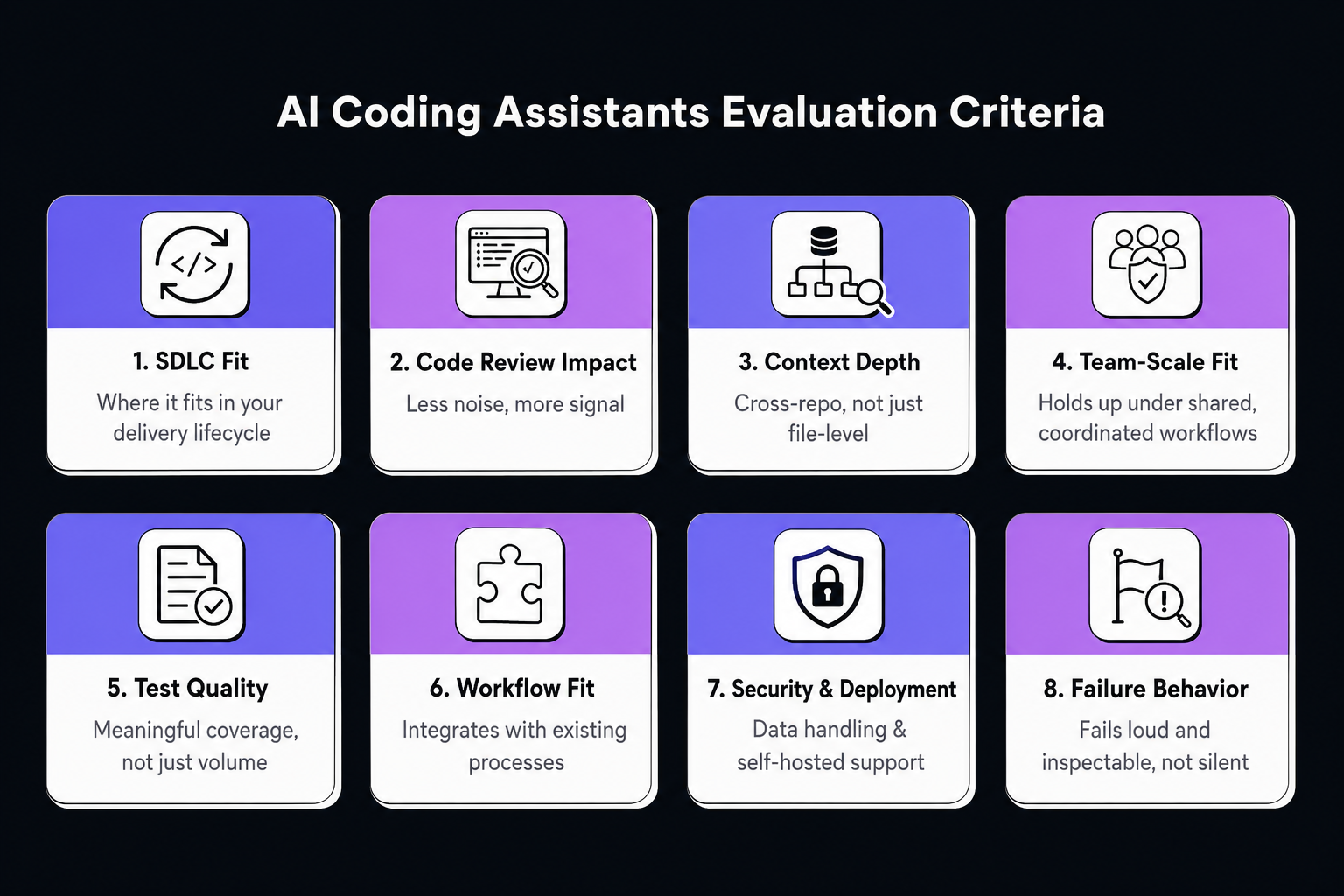
We didn’t rank tools by feature lists. Feature lists are marketing copy. We ran each tool against real work (existing repositories, actual pull requests, real refactors) and scored on eight dimensions that only show up after real use, not a five-minute demo. This matters more than it used to: the same pull request research cited above found that AI-assisted PRs now run significantly larger and take longer to get picked up for review than unassisted ones, which means the tool you pick has real downstream cost if it doesn’t fit how your team actually reviews code.
Each tool received a composite score across these eight dimensions:
| # | Dimension | Weight | What We Measured |
|---|---|---|---|
| 1 | SDLC Fit | 15% | Where it fits in your delivery lifecycle: authoring, review, testing, or enforcement. Generating code isn’t the same as improving quality. |
| 2 | Code Review Impact | 15% | Less noise, more signal. Does it reduce reviewer load, or just add more code that now needs reviewing? |
| 3 | Context Depth | 20% | Cross-repo dependencies, not just file-level. Does understanding break down past a single file, or hold up across service boundaries? |
| 4 | Team-Scale Fit | 15% | Holds up under shared, coordinated workflows. Plenty of tools look great solo and fall apart once team-wide standards enter the picture. |
| 5 | Failure Behavior | 5% | Fails loud and inspectable, not silent. Every tool fails eventually; the question is whether you find out immediately or three PRs later. |
| 6 | Test Quality | 10% | Meaningful coverage, not just coverage numbers. Does it reflect real execution paths, or just tick a percentage box? |
| 7 | Workflow Fit | 10% | Integrates with existing workflow. Does it fit into how the team already works, or does the team have to build around it? |
| 8 | Security & Deployment | 10% | Data handling, model transparency, self-hosted and regulated-environment support. |
Where we didn’t have deep hands-on access to a tool, we say so rather than padding it with a generic feature description dressed up as testing.
One thing worth saying upfront: Qodo is included in this list, and yes, we work on Qodo. Where Qodo has real limitations relative to other tools, they’re listed below like anyone else’s. We’d rather you find that out here than after you’ve deployed it.
The 14 tools, ranked by where they fit in your stack
- Qodo
- Snyk Code
- GitHub Copilot
- Cursor
- JetBrains AI
- Tabnine
- Amazon Q Developer
- Antigravity
- Claude Code
- Aider
- Devin
- Replit
- Bolt
- Lovable
1. Qodo
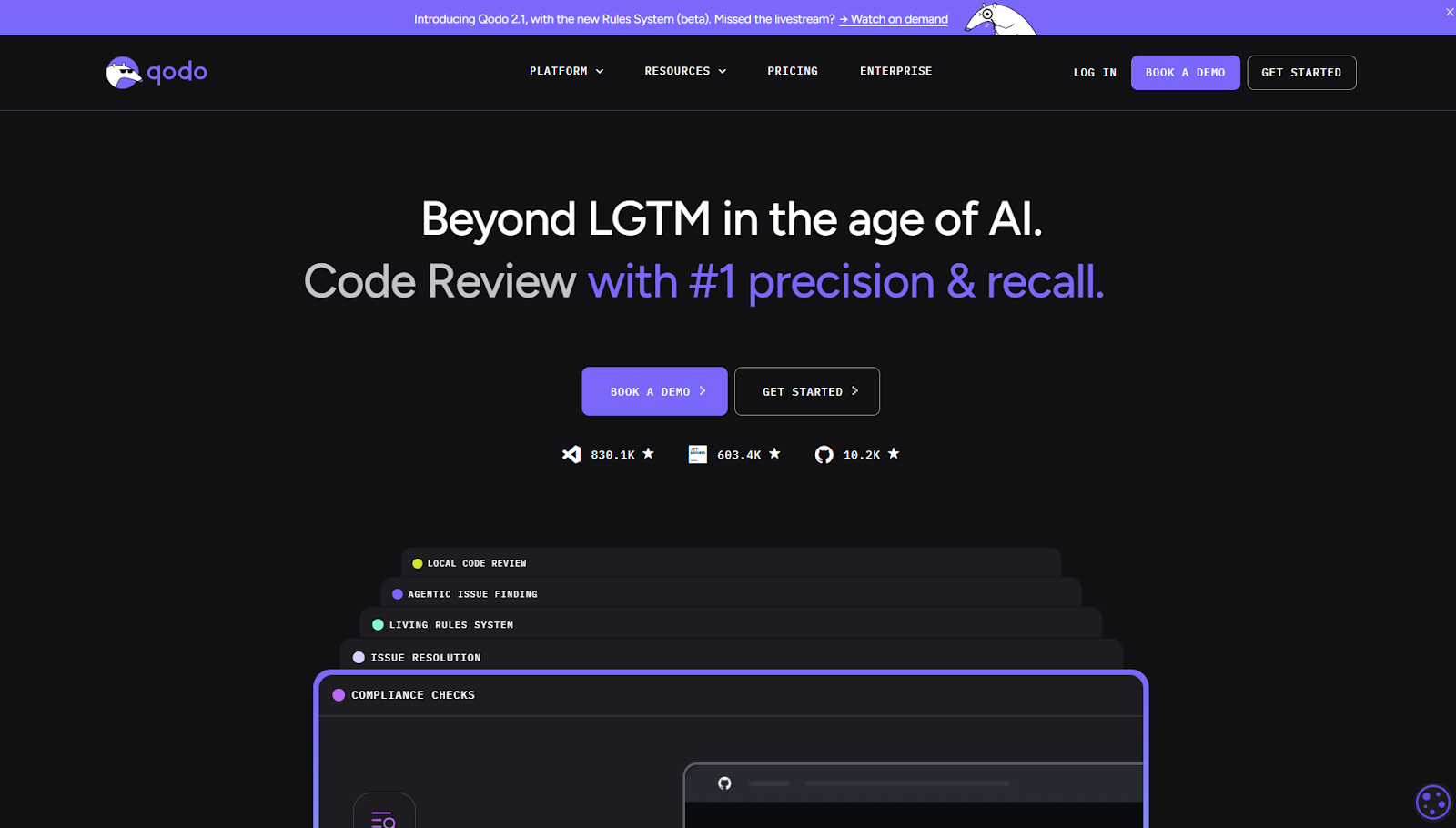
Qodo is an AI code review platform. It sits at the pull-request stage, not the authoring stage. The pitch is that it’s the layer between “AI wrote this” and “this is safe to merge.” Instead of leaving reviewers to sort through a flat list of AI-flagged comments, Qodo produces a structured compliance view per PR: what changed, what’s risky, what’s missing, and whether the change is actually ready to go.
Best for: high PR-volume teams, multi-repo organizations, teams that need enforcement (not just suggestions) baked into CI/CD.
Where it fits: IDE plugin (pre-PR flagging in VS Code and JetBrains), Git plugin (automated review in GitHub, GitLab, Bitbucket, Azure DevOps), CLI plugin (custom review agents across the SDLC).
Not a fit for: individual developers wanting inline autocomplete or code generation, or teams without structured PR workflows. Qodo has nothing to enforce if there’s no PR process to enforce it in.
What it does:
- Automated PR review across code, diffs, and tests
- Missing and insufficient test coverage detection
- Org-wide standards enforcement, with 15+ automated PR workflows including merge gating
- Multi-repo indexing via a RAG-based context engine
Honest limitations: Qodo needs upfront configuration to be useful. Rules and standards don’t set themselves up on day one, and a team that skips that step gets shallower review quality than the tool is capable of. It’s also not built for inline, as-you-type suggestions; teams still need a separate editor assistant for that layer. And because it prices on usage rather than seats, cost predictability at high review volume takes some planning compared to flat per-seat competitors.
Pricing: usage-based, with credits pooled across the team. 14-day free trial (unlimited reviews, no card required). Pro Teams plans start at $30/mo (about 18 reviews) up to $240/mo (about 143 reviews), with larger packs available. Enterprise is custom pricing (SSO/SAML, audit logs, BYOK, on-prem option). Full breakdown on the pricing page.
2. Snyk Code
A SAST (static application security testing) tool that scans source code for security vulnerabilities before merge. It’s built specifically around one question: does this change introduce something exploitable? Snyk built its name in dependency and container scanning, and Snyk Code extends that same detection engine into first-party application code, tracing how untrusted input actually moves through a function rather than just pattern-matching against a list of known bad snippets.
Best for: teams needing automated security scanning in PRs, especially those already on Snyk for dependency or container security and want one vendor covering the full security surface.
Not for: architectural review, test coverage analysis, or general merge-readiness. Snyk Code answers “is this exploitable,” not “is this good code.”
Key features:
- Data-flow tracing that follows untrusted input from source to sink, not just keyword matching
- Prioritized findings with a severity score, so teams aren’t left triaging a flat list
- IDE and CI integration, so scans run both while writing and again at the PR gate
- Coverage percentage shown explicitly per scan, rather than an implied “we checked everything”
Limitations: it’s a security scanner, full stop. It won’t tell you whether the code is well-architected or maintainable, and coverage gaps mean it’s not a substitute for a broader review process that also looks at logic, tests, and standards.
Pricing: free tier for individuals; paid Team and Pro tiers scale limits and CI integration; Enterprise is custom.
3. GitHub Copilot
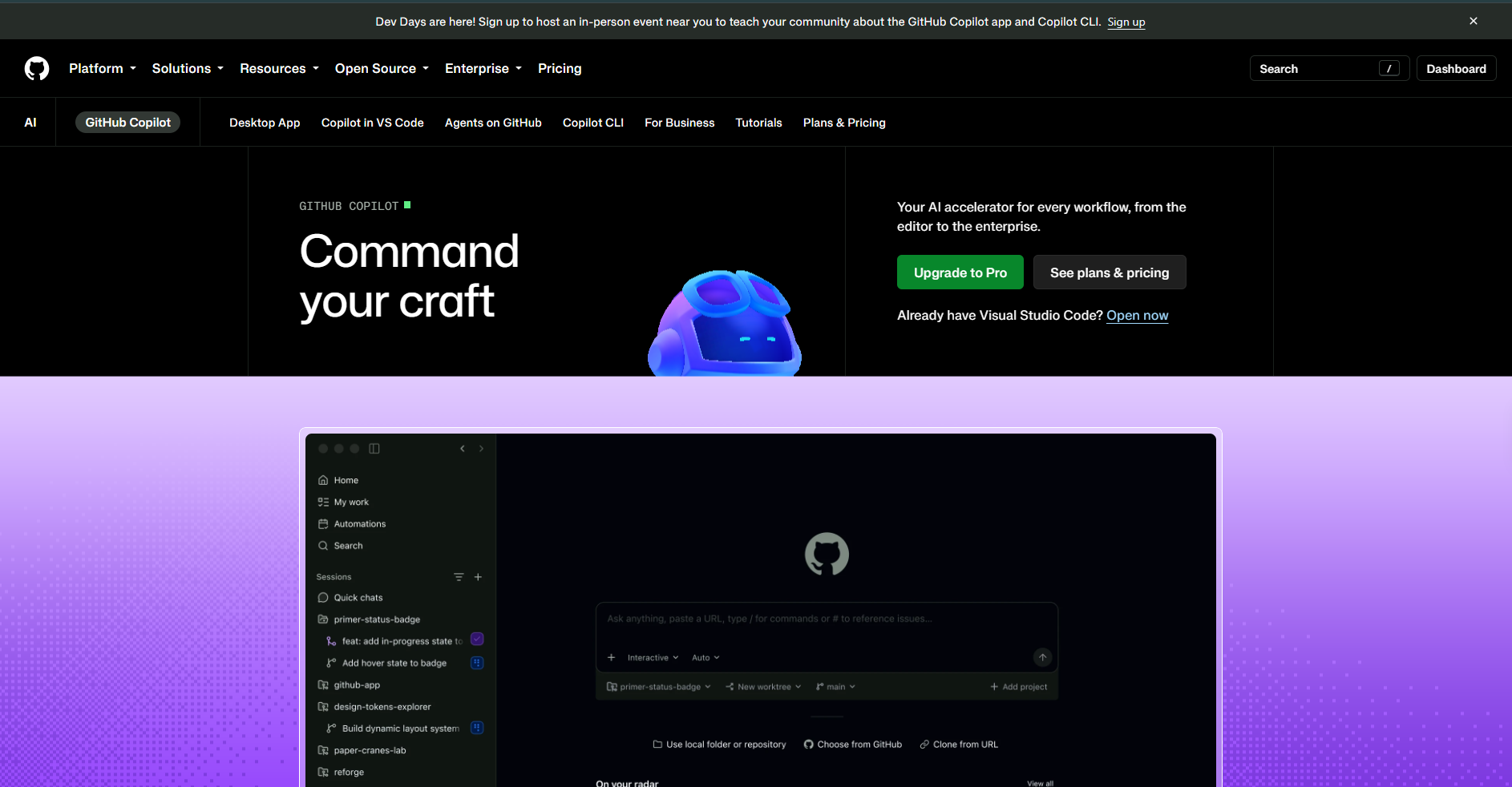
An inline AI coding assistant that generates code, tests, and config from comments and surrounding context, directly in the editor. It’s the most widely deployed tool in this category, largely because it lives inside the editor most developers already have open and requires almost no workflow change to start using.
Best for: developers wanting faster authoring with minimal workflow change; teams standardizing on the most widely adopted option.
Not for: automated PR review, merge enforcement, or architectural validation. Copilot works during authoring and stops there.
Key features:
- Inline completions as you type, tuned to the surrounding file and open tabs
- Chat interface for asking questions about the codebase or generating boilerplate
- Agent Mode for multi-step, semi-autonomous task execution within the editor
- Broad language and framework coverage, given the scale of its training data
Limitations: no built-in review or enforcement layer; suggestions can reflect outdated patterns and need human review; several public reports (including an active Reddit thread on recent bugs) note inconsistency in newer model updates.
Pricing: Free tier; Team about $4/user/mo; Enterprise Cloud about $21/user/mo; Enterprise Server custom (self-hosted).
4. Cursor
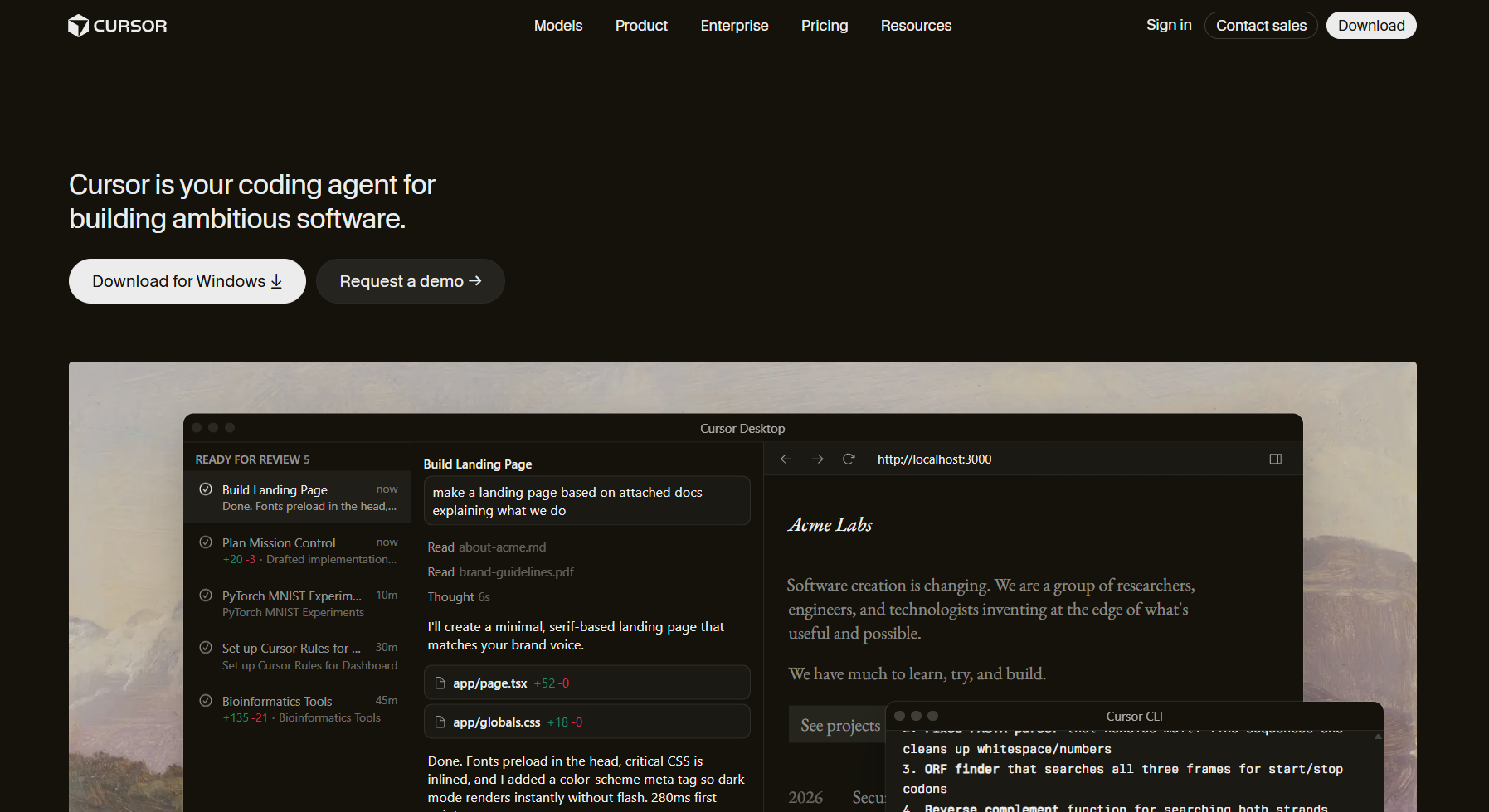
An AI-native code editor where natural-language commands generate, edit, or refactor code across multiple files within a repo. Cursor built its reputation on prototyping speed, and its recent move to acquire Graphite and add Bugbot for PR review is a sign the product is expanding beyond pure authoring into the review layer, following the same pattern as Copilot.
Best for: large or unfamiliar codebases, frequent refactors, developers who want more than single-file autocomplete.
Not for: teams locked into a specific corporate IDE, PR enforcement as a primary use case, or fully air-gapped environments without extra setup.
Key features:
- Multi-file edits driven by natural-language instructions, not just single-line completions
- @ mention system for pulling specific files or symbols into context
- Background agents that can run tasks on isolated environments and report back
- Bugbot, an add-on for automated PR review, layered on top of the core editor
Limitations: changes still need normal testing and review since Cursor doesn’t validate system-wide impact on its own. It’s fundamentally an editor, not a governance layer, even with Bugbot attached.
Pricing: Pro $20/user/mo; Teams $40/user/mo; Enterprise custom.
5. JetBrains AI
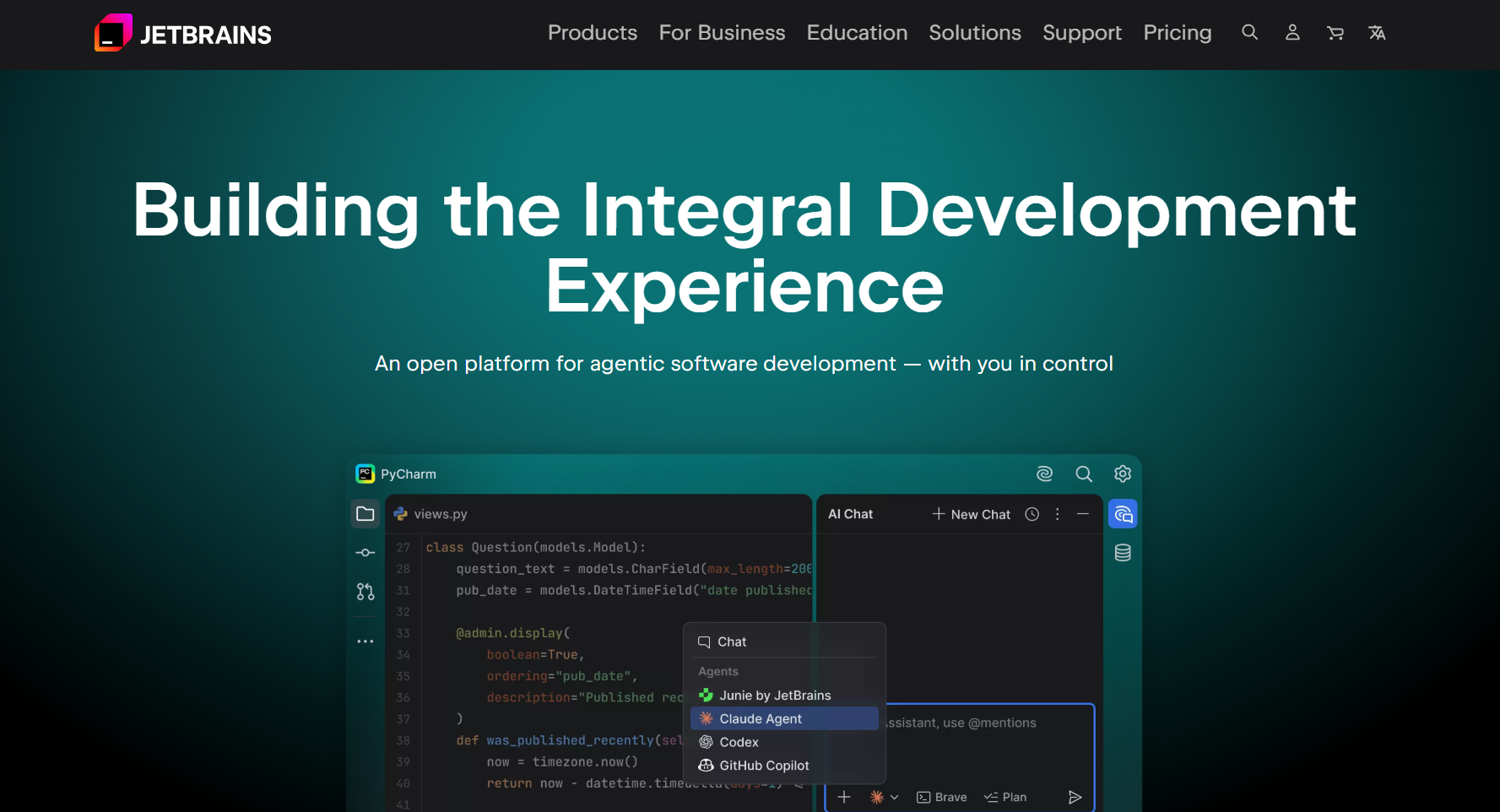
AI features built into JetBrains IDEs (IntelliJ, PyCharm, WebStorm), layered on the IDE’s existing indexing and inspections. Because it builds on JetBrains’ own static-analysis engine rather than working from scratch, suggestions tend to fit how a project is already structured instead of feeling generic, which shows up most during refactors and when working through unfamiliar parts of a codebase.
Best for: teams already standardized on JetBrains; developers who rely on JetBrains’ native refactoring tools and want AI layered directly on top rather than in a separate app.
Not for: teams wanting an AI-first editor with autonomous multi-file agents, or cross-org policy enforcement outside the IDE itself.
Key features:
- In-IDE chat for natural-language questions and guidance
- Code explanations scoped to a selected block, using the IDE’s existing understanding of the project
- AI-assisted completions and refactoring suggestions tied to JetBrains’ static analysis
- Support for generating commit messages and multi-step refactors from a single instruction
Limitations: locked to the JetBrains ecosystem; AI features are a paid add-on on top of the IDE license itself, which adds up, and there’s no equivalent of a standalone PR-review or enforcement layer.
Pricing: IntelliJ IDEA Ultimate about $719/user/yr; All-Products Pack about $709 to $960/user/yr; AI add-ons priced separately, annually.
6. Tabnine
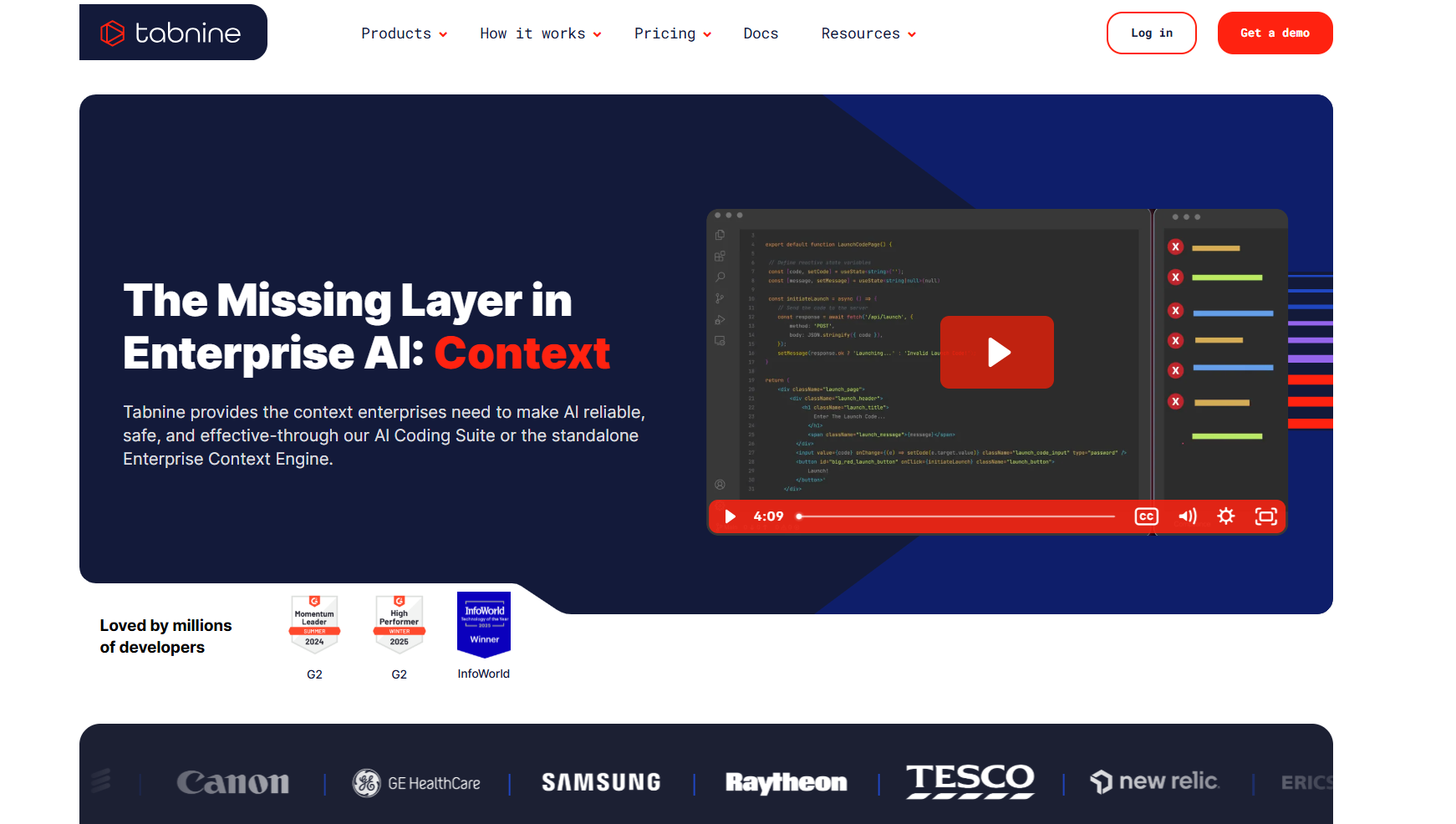
Inline completions with a strong focus on privacy and deployment control (SaaS, VPC, on-prem, air-gapped). Where most competitors default to a cloud model, Tabnine built its whole positioning around teams that can’t send code off their own network, and that shows up in how thoroughly the deployment options are documented compared to competitors. Tabnine has since been acquired by Tricentis, and its current homepage now leads with “The Missing Layer in Enterprise AI: Context” rather than its earlier autocomplete-first positioning, worth noting since it signals a shift toward enterprise context and governance messaging.
Best for: organizations with strict data privacy or compliance requirements, particularly regulated industries evaluating whether AI tooling is even permitted on their codebase.
Not for: multi-file autonomous edits or agent-style automation. Tabnine is deliberately narrow in scope.
Key features:
- Fully self-hosted and air-gapped deployment options, not just a cloud product with an on-prem checkbox
- Predictable, low-latency completions tuned for consistency over flashiness
- Enterprise Context Engine for codebase-aware suggestions within the deployment boundary
- Support for bringing your own model or using Tabnine-hosted models with usage-based fees
Limitations: less capable on complex, multi-file architectural logic compared to AI-native editors; chat context window is limited in very large files.
Pricing: Free tier; Pro about $12/user/mo; Enterprise about $39/user/mo (varies by deployment model).
7. Amazon Q Developer
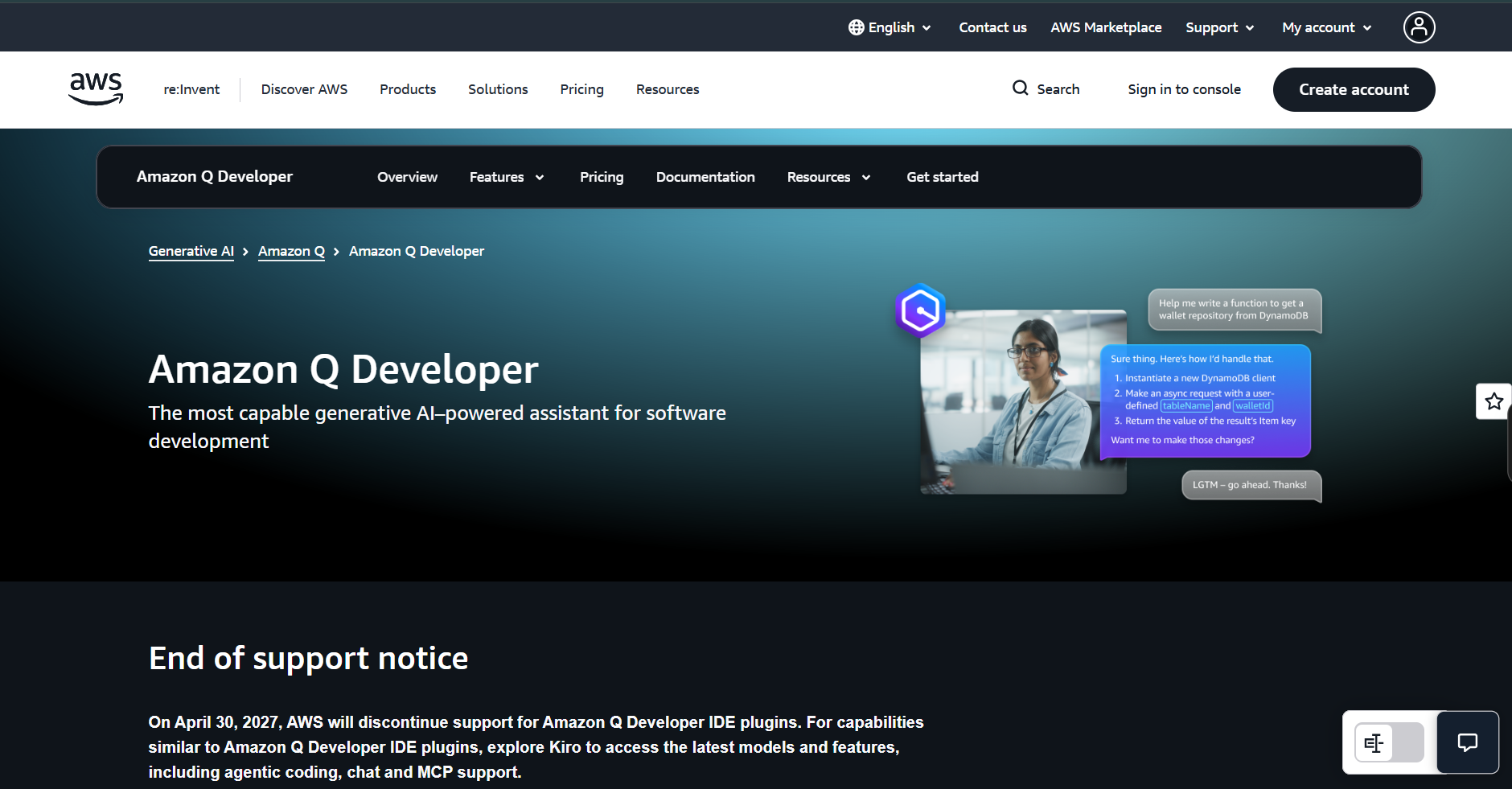
An AWS-integrated coding assistant with strong SDK and IAM awareness. Its value is tightly coupled to how deep a team already is into AWS: it understands service boundaries, permission models, and infrastructure-as-code patterns in a way general-purpose assistants don’t, but that same specificity means it adds little outside that ecosystem.
Best for: teams building primarily on AWS who want an assistant that understands CloudFormation, IAM policy, and AWS SDK patterns natively.
Not for: cloud-agnostic teams or anyone expecting review and governance features. Q Developer is domain-specific to AWS, not general-purpose.
Key features:
- Native understanding of AWS SDKs, IAM policies, and CloudFormation/CDK templates
- Automated code transformation for language and framework migrations (for example Java version upgrades)
- Security scanning integrated with AWS-specific misconfiguration patterns
- Chat and inline completions available across IDE, CLI, and console surfaces
Worth knowing before you adopt this: AWS has posted an end-of-support notice for Amazon Q Developer’s IDE plugins, effective April 30, 2027. AWS is pointing existing users toward Kiro for equivalent IDE-based capabilities going forward. Worth factoring into any adoption decision made now, since standardizing on a tool with a posted sunset date carries obvious migration risk.
Pricing: Free tier (limited monthly interactions); Pro about $19/user/mo, with additional usage billed on consumption.
8. Antigravity
Google’s assistant across VS Code, JetBrains, and Android Studio, with Google Cloud integration. Like Amazon Q, its strongest case is proximity to its own cloud platform rather than general-purpose superiority. Worth knowing before adopting the free tier specifically: Google has posted a notice that Gemini CLI and the Gemini Code Assist IDE extensions for the unpaid, individual tier will be replaced by Antigravity CLI and Antigravity, with a stated migration deadline. Paid Standard and Enterprise tiers aren’t affected by that specific notice.
Best for: teams on Google Cloud (BigQuery, Cloud Run, Firebase) who want completions and chat that understand those services natively.
Not for: teams primarily on AWS or Azure, or PR-level enforcement.
Key features:
- Chat and inline completions with awareness of Google Cloud services and configuration
- Private codebase indexing on higher tiers, extending context beyond the open files
- Android Studio integration for mobile-specific development
- Enterprise tier with expanded usage limits and admin controls
Pricing: Free tier; Standard and Enterprise tiers vary by usage and add private-repo context.
9. Claude Code
Anthropic’s terminal-based coding tool. It reads, edits, and executes code across a repo under supervision, built for multi-step agent workflows rather than line suggestions. It’s deliberately CLI-first rather than editor-first, which appeals to engineers who want to stay close to Git and the shell rather than adopting a new IDE.
Best for: engineers comfortable in the terminal, multi-file refactors, debugging loops that need edit-run-inspect cycles.
Not for: developers who just want inline autocomplete, or teams expecting fully autonomous merges without supervision.
Key features:
- Repo-aware planning and execution across multiple files from a single natural-language instruction
- Shows a full diff and asks for confirmation before writing changes, rather than applying silently
- Runs tests and iterates on failures as part of the same session
- MCP support for connecting to external tools and data sources during a session
Limitations: still requires manual verification of setup correctness against the actual repo structure; it’s an automation tool, not a review layer.
Pricing: Free (limited); Pro about $20/user/mo; Max about $100 to $200/user/mo; Team about $25 to $30/user/mo; Enterprise custom.
10. Aider
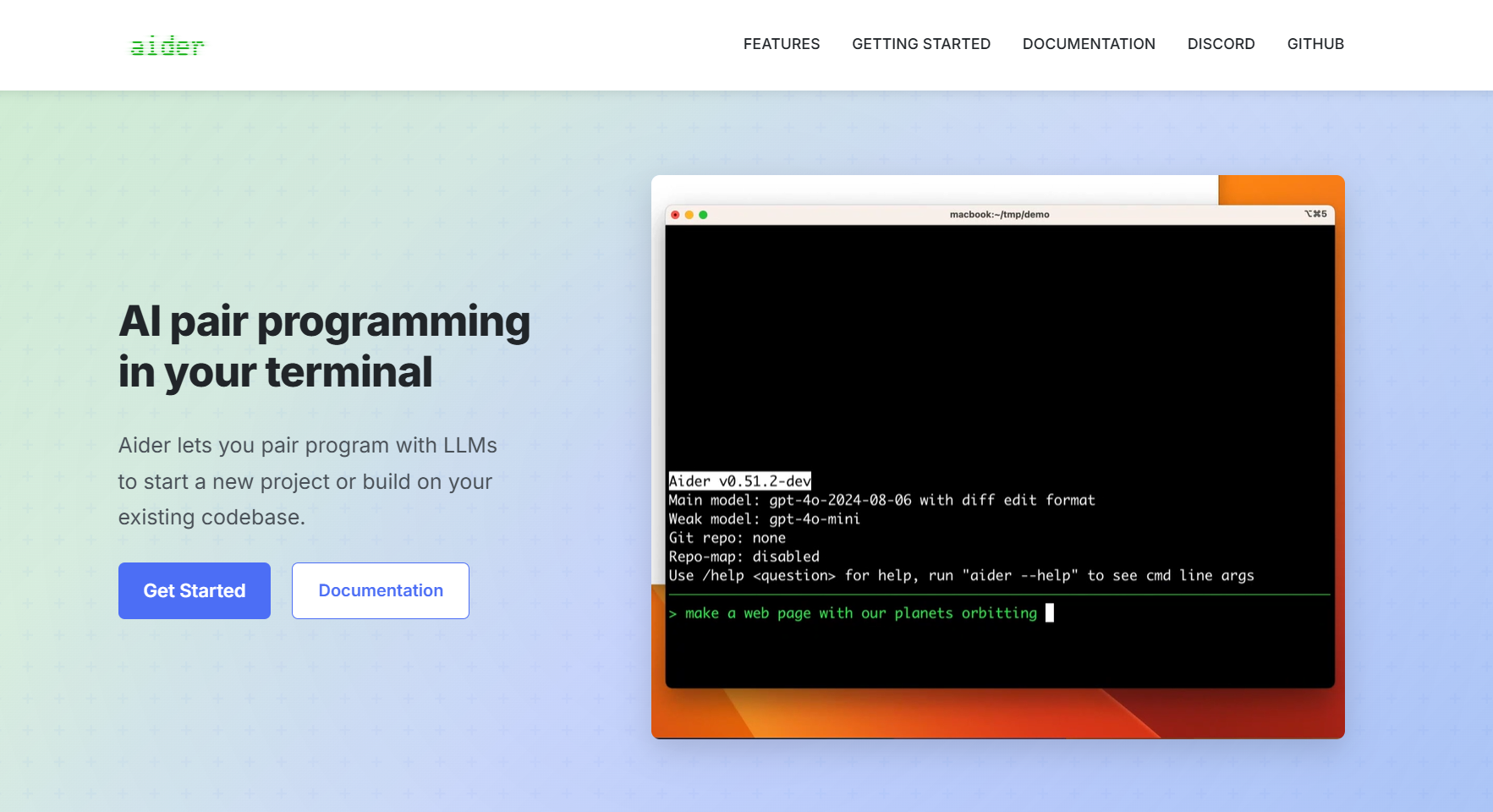
Open-source, terminal-based, and Git-native. It proposes changes as tracked diffs you review before accepting, which makes it one of the more transparent tools in this category about exactly what it’s about to do before it does it.
Best for: developers who live in Git and the CLI and want every AI change reviewable as a diff before it lands, with full control over which model runs underneath.
Not for: IDE-native workflows or fully autonomous agent use.
Key features:
- Proposes unified Git diffs for review before applying, across multiple files at once
- Model-agnostic: works with GPT, Claude, Gemini, or locally hosted models via your own API keys
- Architect mode pairs a reasoning model with a code-specialized model for complex tasks
- Automatic, meaningful commit messages generated alongside each change
Pricing: free and open source; costs are whatever LLM API usage you configure (OpenAI, Anthropic, others), or zero if run against a local model.
11. Devin
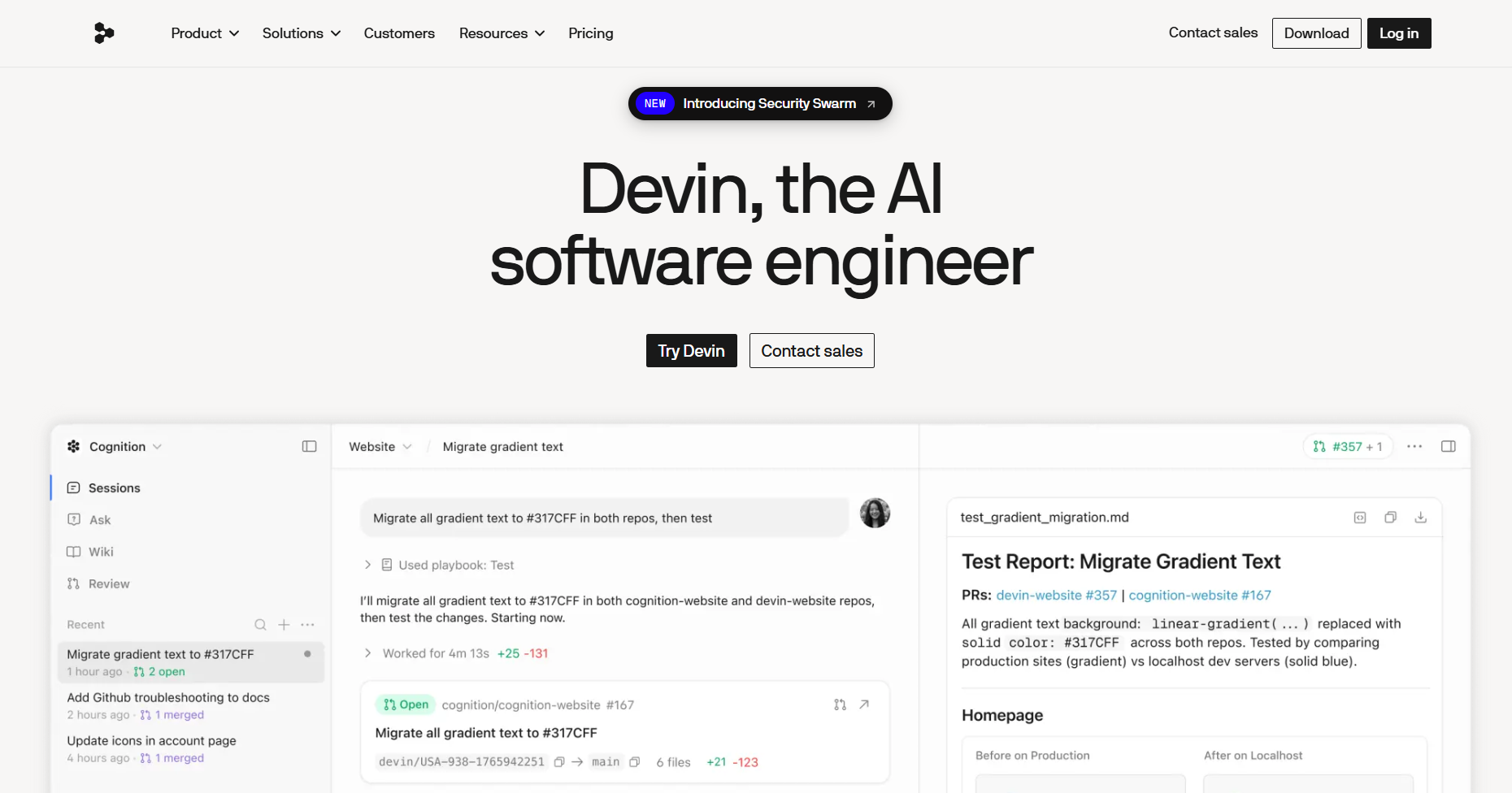
An autonomous agent that runs in its own environment (repo, terminal, tests, browser access). You assign a scoped task, it plans, executes, and hands back a result rather than working alongside a developer turn by turn the way most of the tools on this list do.
Best for: well-defined tasks with clear success criteria: bug fixes, small refactors, test additions where “done” is unambiguous.
Not for: open-ended feature work or architectural decisions. Devin needs a tightly scoped task to perform well.
Key features:
- Operates in an isolated environment with its own repo checkout, terminal, and test execution
- Plans a multi-step approach before executing, rather than making one-shot edits
- Iterates automatically on failing tests until the suite passes or it flags a blocker
- Hands back a reviewable diff and execution log rather than merging autonomously
Limitations: performance is variable outside well-scoped tasks; needs strong review guardrails since it operates outside the normal editor and PR loop until the handoff point.
Pricing: Basic pay-as-you-go (about $20/mo base plus compute units); Team about $500/mo; Enterprise custom.
12. Replit
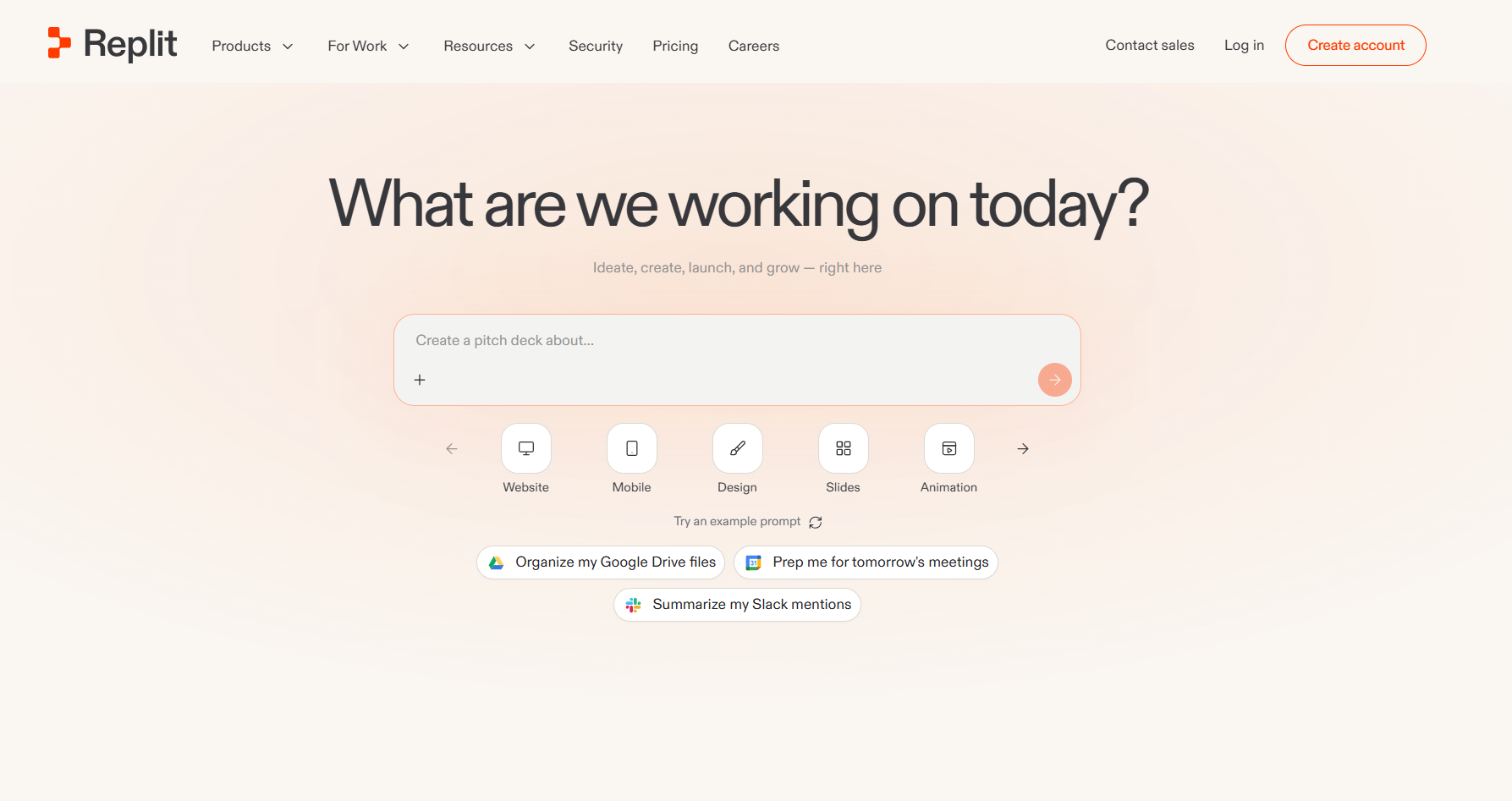
A browser-based IDE, runtime, and deployment platform in one. No local install required, which makes it the lowest-friction way to go from an idea to something running and shareable.
Best for: fast prototypes, demos, internal tools, solo developers who want to skip environment setup entirely.
Not for: large production systems, strict regulatory or self-hosted requirements, or deep CI/CD customization.
Key features:
- Full IDE, runtime, and one-click deployment in the browser, no local environment needed
- Agent mode that plans, builds, and self-tests an application from a natural-language prompt
- Built-in database and auth scaffolding for common app patterns
- Real-time collaboration for pair programming or teaching contexts
Pricing: free tier (limited credits); Basic $20/mo; Teams $35/user/mo.
13. Bolt
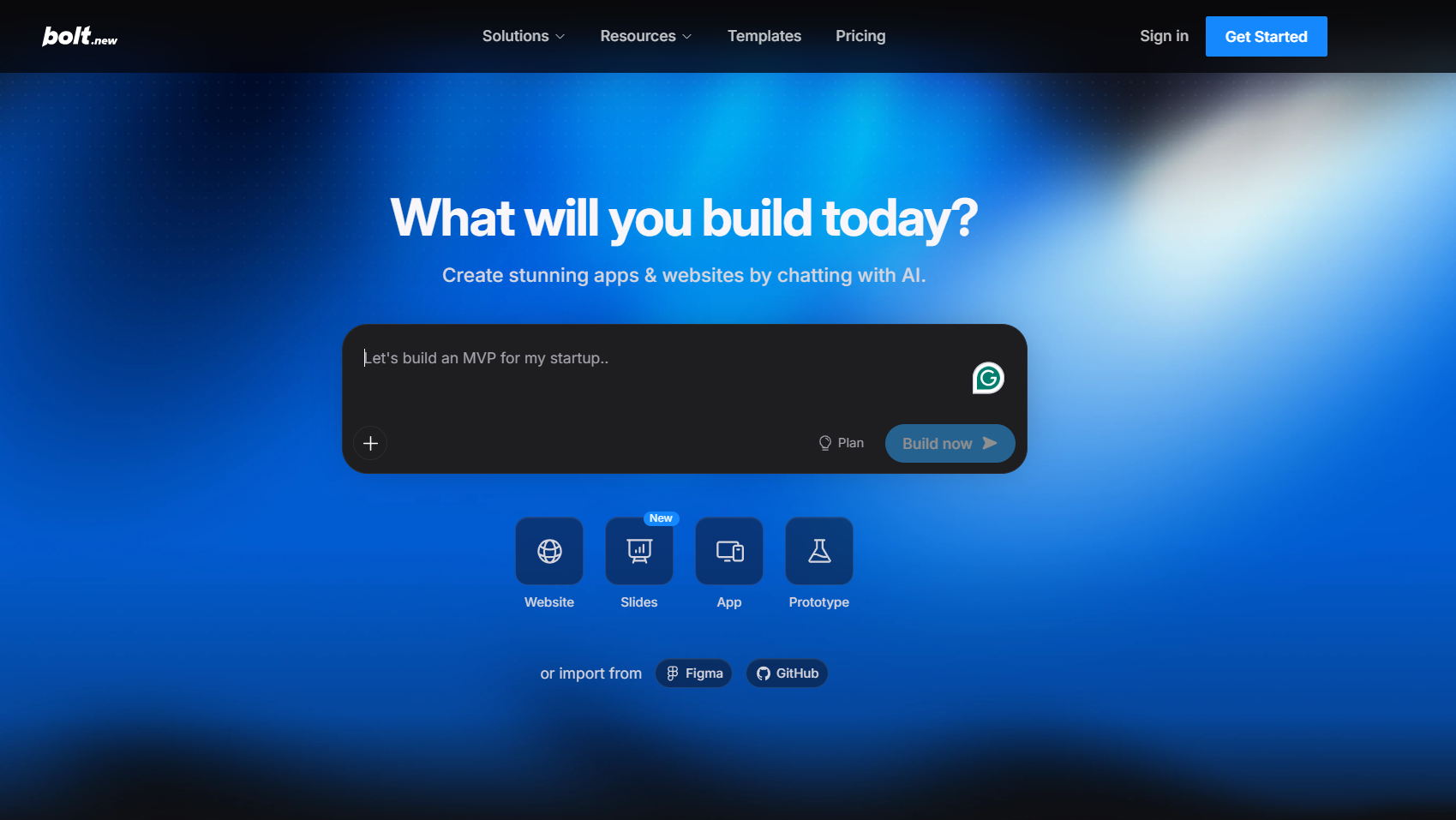
A browser-based AI app builder. Describe an app, get a scaffolded project with live preview, closer in spirit to a rapid-prototyping tool than a development environment for ongoing production work.
Best for: fast MVPs, solo builders validating an idea quickly before committing engineering time to it.
Not for: long-lived production systems or environments needing deep infrastructure control.
Key features:
- Live preview alongside generation, so changes are visible immediately
- One-prompt scaffolding of a full project structure, not just a single file
- Deployment built directly into the workflow
- Token-based usage that scales with project complexity rather than a flat seat price at the entry tier
Pricing: free tier (limited tokens); Pro about $20 to $25/mo; Teams about $30/user/mo; Enterprise custom.
14. Lovable
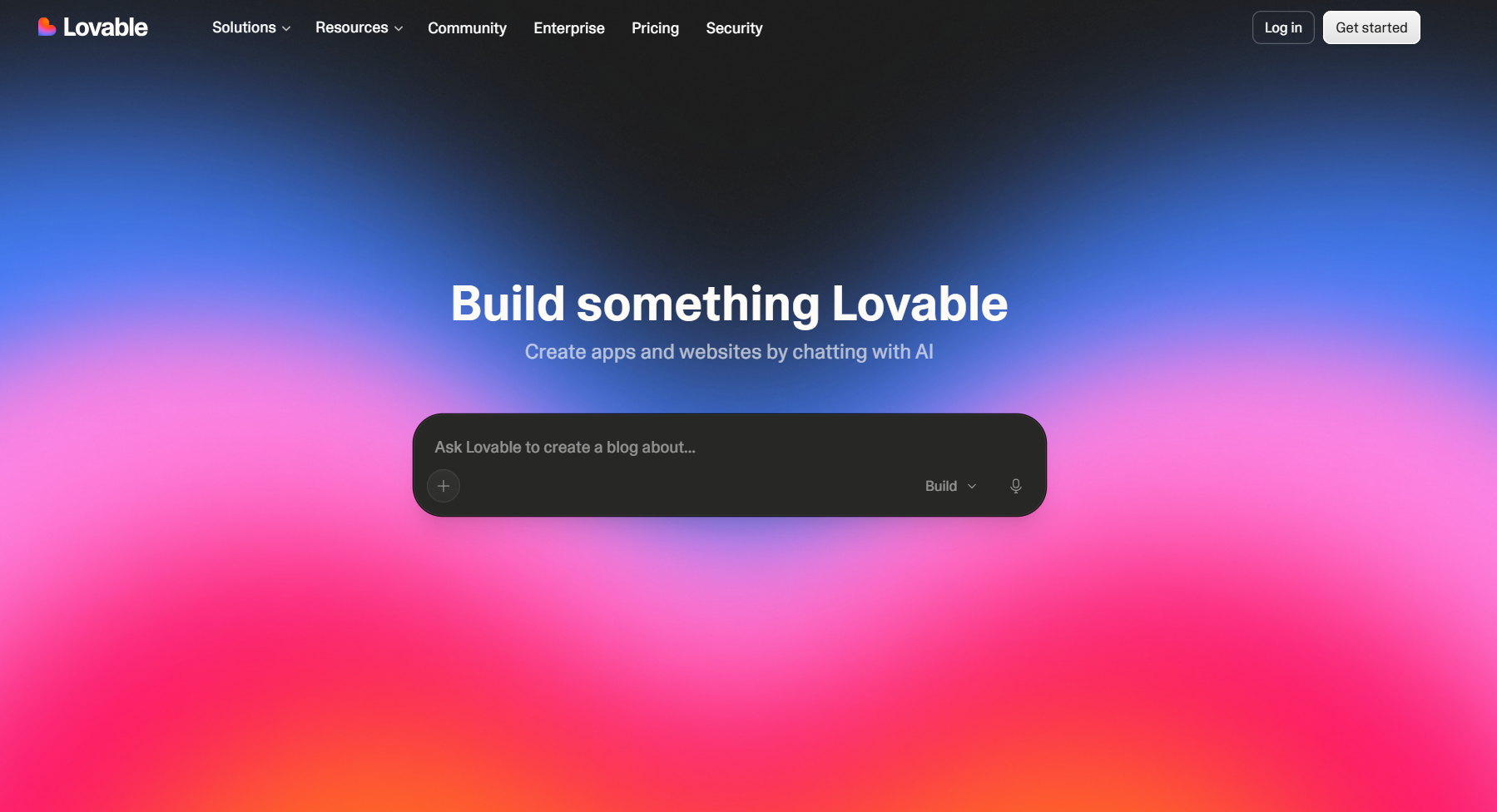
A prompt-driven full-stack app builder. It generates frontend, backend logic, routing, and a connected data layer from a description, aiming to get a working, plausible product further along than a static scaffold before a developer needs to step in.
Best for: MVPs, landing pages, early product validation where speed to a working demo matters more than production architecture.
Not for: long-lived production systems or strict compliance and air-gapped environments.
Key features:
- Generates frontend, backend, and a connected database from a single prompt
- Iterative editing through natural-language follow-up instructions
- Built-in hosting and one-click publish
- Integrations for common needs like auth and payments without custom setup
Pricing: free tier (limited daily credits); Pro about $25/mo; Business about $50/mo; Enterprise custom.
Scored Rankings: 14 AI Coding Tools Tested
Using the weighted criteria above, here’s how all 14 tools rank against each other. Star ratings reflect a composite score across context depth, workflow integration, security, and cost, not vendor benchmarks or feature lists, and they’re deliberately not a claim that one tool beats another at everything: a 2-star cost rating on an enterprise-focused platform isn’t a flaw, it’s a tradeoff for teams that value what that tool does elsewhere.
One honest caveat before the table: these 14 tools solve different problems (authoring, review, security scanning, prototyping), so a single ranked list is somewhat apples-to-oranges by design. Rank here reflects the composite weighting from our methodology, not “the one tool everyone should buy.” Where a tool wasn’t included, or you want the reasoning per row, the full profile below has it.
| Rank | Tool | Context Depth | Workflow Integration | Security | Cost | Best For | Weakest At |
|---|---|---|---|---|---|---|---|
| 1 | Qodo | ★★★★★ | ★★★★★ | ★★★★★ | ★★★ | High-PR-volume, multi-repo teams needing enforcement | Needs upfront configuration; not for inline suggestions |
| 2 | Claude Code | ★★★★★ | ★★★ | ★★★ | ★★★ | Terminal-based multi-file refactors, debugging loops | No built-in review or enforcement layer |
| 3 | Cursor | ★★★★★ | ★★★★ | ★★ | ★★★ | Frequent refactors, large or unfamiliar codebases | No cross-repo governance layer |
| 4 | Snyk Code | ★★★ | ★★★★ | ★★★★★ | ★★★★ | Teams needing dedicated security scanning in PRs | Security only, no architectural or quality review |
| 5 | GitHub Copilot | ★★ | ★★★★★ | ★★ | ★★★★★ | Lowest-friction adoption, most widely used | No review or enforcement layer |
| 6 | Tabnine | ★★ | ★★★★ | ★★★★★ | ★★★★ | Air-gapped, regulated environments | Weaker on complex multi-file architectural logic |
| 7 | JetBrains AI | ★★★ | ★★★★★ | ★★★ | ★★ | Teams standardized on IntelliJ, PyCharm, WebStorm | Editor lock-in; AI is a paid add-on on top of license cost |
| 8 | Amazon Q Developer | ★★★ | ★★★ | ★★★ | ★★★ | Teams building primarily on AWS | Generic outside the AWS ecosystem |
| 9 | Antigravity | ★★★ | ★★★★ | ★★★ | ★★★★ | Teams building primarily on Google Cloud | Generic outside the GCP ecosystem |
| 10 | Aider | ★★★ | ★★★ | ★★★ | ★★★★★ | Git-native CLI workflows, full model control | No GUI, no fully autonomous agent mode |
| 11 | Devin | ★★★★ | ★★ | ★★★ | ★★ | Well-scoped, clearly defined tasks | Variable performance outside tightly scoped work |
| 12 | Replit | ★★★ | ★★★★ | ★★ | ★★★★ | Fast prototypes, non-technical builders | Not built for large production systems |
| 13 | Lovable | ★★★ | ★★★ | ★★ | ★★★★ | MVPs, landing pages, early validation | Not built for long-lived production systems |
| 14 | Bolt | ★★ | ★★★ | ★★ | ★★★★ | Fast MVP scaffolding, solo builders | Limited infrastructure control |
The pattern worth noticing: most of these tools optimize for writing code faster. Very few are built around a different question: is this change safe to merge. That’s a gap, not a ranking. Different tools solve different problems, and most engineering stacks in 2026 end up running more than one of these at once.
How to structure your AI development stack
These tools layer rather than compete. An editor assistant speeds up authoring. An agent handles multi-file changes. A security scanner flags exploitable issues. A review platform validates what’s about to merge. The teams getting consistent results aren’t replacing their workflow with one AI tool. They’re deciding which layer each tool owns, and where the boundaries are. Once that’s clear, velocity goes up without quality going down. For a deeper walkthrough of setting up that review layer specifically, the AI Code Review Academy covers implementation from concept through rollout.
FAQs
What are the best AI code assistants in 2026?
Depends on the problem. Editor assistants (Copilot, JetBrains AI, Tabnine, Antigravity, Amazon Q) speed up in-editor authoring. Repository agents (Cursor, Claude Code, Aider, Devin) handle multi-file work. For pre-merge validation, review platforms like Qodo focus on diff analysis and standards enforcement rather than code generation.
How do review platforms differ from editor assistants?
Editor assistants generate code while you write it. Review platforms operate at the PR stage, analyzing what changed, checking for security and test-coverage gaps, and determining merge-readiness, rather than producing code.
What is context-aware code review?
Evaluating a change using repository-wide (sometimes multi-repository) context, including shared modules, test impact, and architectural patterns, rather than just the diff in isolation. File-level tools miss risks that only show up at that broader scope.
Can AI replace manual code review entirely?
It can automate a real share of it: security checks, coverage validation, standards enforcement. But architectural judgment and business-logic calls still need a human reviewer. The realistic framing is automating the mechanical parts, not removing review.
Which tools work best for large, multi-repo teams?
Tools with cross-repo context and consistent enforcement hold up better at scale than single-repo, single-file tools. That’s a structural requirement, not a brand preference.
About the author